

Lightning and Surge Protection

MAXIMUM LIGHTNING PROTECTION™ for 66 BLOCKS

The Phone Company always provides basic Lightning Protection at the entrance to a building.
Basic protection prevents an old style non-electronic telephone along with the wiring in the building from burning up. This basic protection lets so much voltage and current through that anything electronic will likely get blown up.

Our Maximum Lightning Protection™ modules are engineered to protect specific types of telephone and data equipment attached to phone lines, based on the type of phone line, and the equipment attached.
Maximum Lightning Protection™ modules are Solid State, automatically clamp large surges down to 10-15 volts, and have self-resetting Over Current Protection to handle up to twice the damaging current of any other Lightning Protector.
While the Phone Company has a single type of protector they install on every line (called primary protection), if you have electronic phone equipment you also need the Secondary Protection offered by our Maximum Lightning Protection™ modules.
The biggest risk of lightning damage? An OPX (Off Premise Extension), where an electronic or analog station port leaves a building... even for 5 feet!
If you have OPXs leaving a building going to another building,
you ABSOLUTELY need the correct Maximum Lightning Protection™
module for the type of equipment on the line.
It doesn't matter whether the cable goes 10 feet or 10 miles, whether it's in conduit or just buried in the ground 2 inches or 2 yards deep, lightning will find that cable and damage your expensive electronic equipment. Conduit will not prevent lightning from getting to a cable running outside a building.
Maximum Lightning
Protection™ Features:
- Dual Stage Protection... for Over Current and Over Voltage, that resets Automatically!.
- Solid State Circuit automatically clamps surges to 10-15 volts.
- MLP-270 Telephone Line Protector Module handles up to twice the current of any other Lightning Protector!
- Electronic Resettable Fuse opens above 150ma, providing protection against AC power line crosses, and closes automatically.
- Our T1, T3 and 100-BaseT Protectors stop damaging common mode surges that others don't!
- Each Protector has Test Points to allow a quick check for dial tone with a Butt-set.
- Our Ground Bus allows insertion and removal of one Protector on a 66 Block, without removing other Protectors. Once seated on the 66 block, just tighten the ground screw. You don't have to remove the screw, except to install a Ground Lug on the last Protector.
- Our Test Shoe lets you test a line by removing only one Protector (since you'd have to remove a couple of Protectors from working lines to get your Butt-set clips directly onto the block). A Busy Light on the Test Shoe lets you know when the line is free, so you can push the button to open the line for testing.

Lightning Protectors won't do anything without a
GOOD GROUND!
When used with our Maximum Lightning Protection™ Modules, the ground diverts high voltage from lightning or a surge to the earth, instead of letting it get to the electronic equipment.
In the old days, a cold water pipe was considered the best ground available. Today, you should never use a cold water pipe for a ground since there is so much PVC (non-conductive) pipe out there.
The Phone Company ground at the NI (Network Interface) is not considered a good ground. It may not even be attached to anything!
The best ground to use today is the electrical panel, which should be grounded to a ground rod driven into the earth just outside the wall where the panel is located. Be sure to check that there is a ground on the outlets with an AC Outlet Tester (above right).
NOTE: An AC Outlet Tester will tell you if the outlet is wired correctly and if a ground is present, but not the quality of the ground. You should look to make sure the AC power panel is physically wired to the ground rod. If you're not sure, special testers are available that will verify the quality of a ground.
In a rocky area (like on a mountain), you'll need a professional to come out and install the best ground possible. A regular ground rod won't give you a good ground in rock.

Our Ground Plug with 10' Ground Wire will save you a ton of time running a separate ground to the power panel. Just plug it into an AC outlet, run the wire over to the 66 Block, and attach the wire to the Ground Lug that's included with the Ground Bus.
Never let a pair into or out of a building without
Maximum Lightning Protection™!
Phone systems have no protection built-in for stations, so almost any surge will knock out an expensive analog or digital station card. Phone system manufacturers know that the CO lines are coming from outside the building, so they build basic lighting protection into the trunk cards. They figure only a very small percentage of stations will leave a building, so they build no protection into stations (since all of their customers would have to pay for the very small percentage of customers using OPXs).
Don't even think about running a station outside of a building, even for 5 feet, without the correct Maximum Lightning Protector™.
How do you know if a Lightning Protector has worked?
Lightning or Surge Protection (AC or telephone) has worked if the equipment isn't blown up after a storm!
If the equipment is damaged, the Protector(s) should be tested to see if a component is damaged.
If the equipment is damaged, and the Protector isn't damaged, that means there was a bad ground (or no ground) attached to the Protector. A Protector should fail shorted to ground before allowing damaging voltage or current to get to the equipment it's protecting.
Unlike a Protector with a "Sneak Fuse," our Maximum Lightning Protectors™ have a solid-state self resetting electronic fuse that prevents service calls in all but the worst lightning storms (where the whole Protector will be blown-up, saving the telephone equipment).
NOTE: Nothing will stop a direct hit from lightning. A direct hit (or even a hit in the general area) is so powerful that it can blow up battery operated devices like smoke detectors. Regular business insurance generally doesn't cover telephone systems that are damaged by surges, flood or water leaks. It's not a bad idea to check out EDP (Electronic Data Policy) insurance, which will cover you for this type of damage to your computers as well as telephone equipment (subject to a deductible).
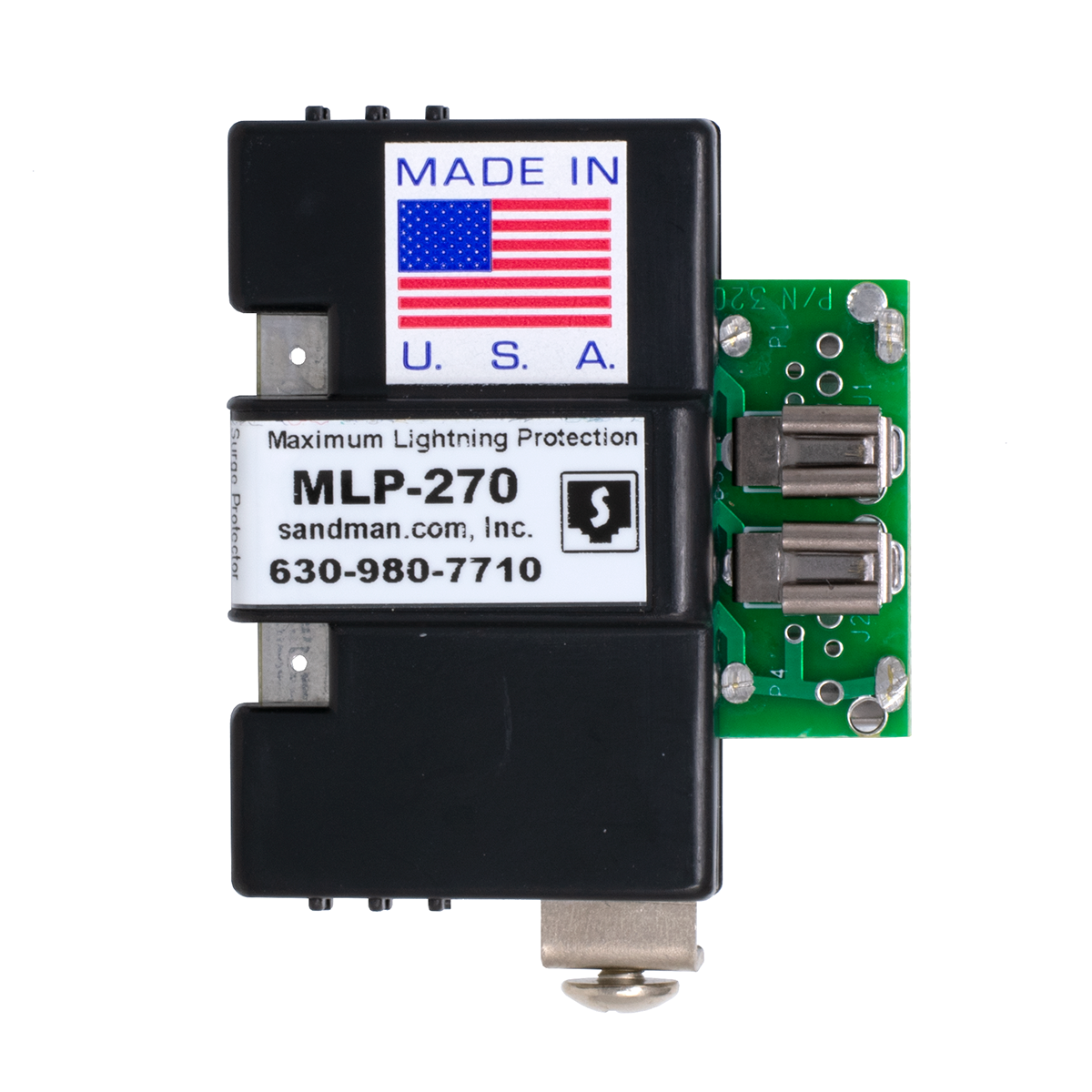
MLP-270 1 CO LINE PROTECTOR

You need one Protector for each regular phone line or analog station port (pair) with ring voltage.
If the line doesn't have ring voltage, use one of our lower voltage Protectors (below).
Part Number: KIT1O Price: $22.95
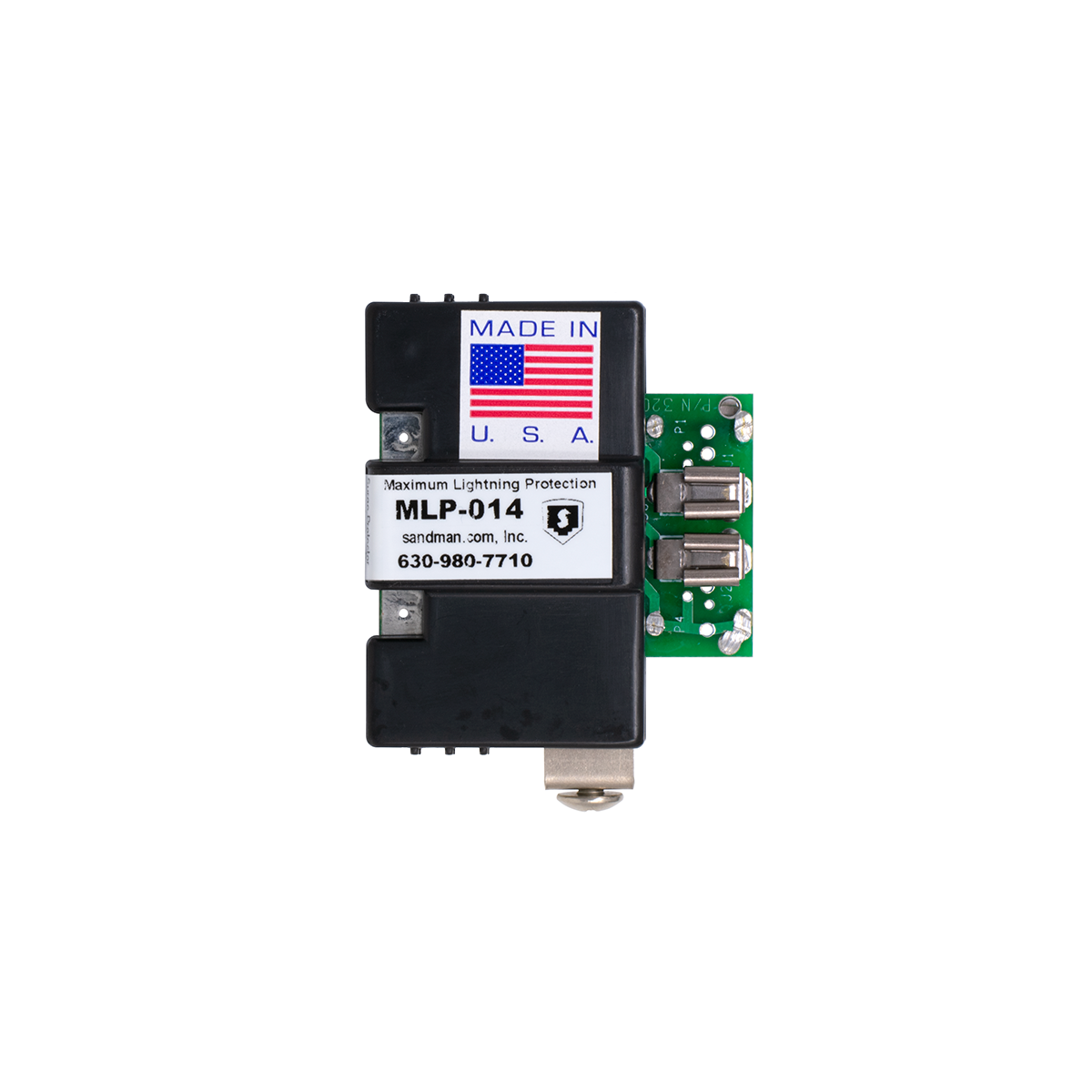
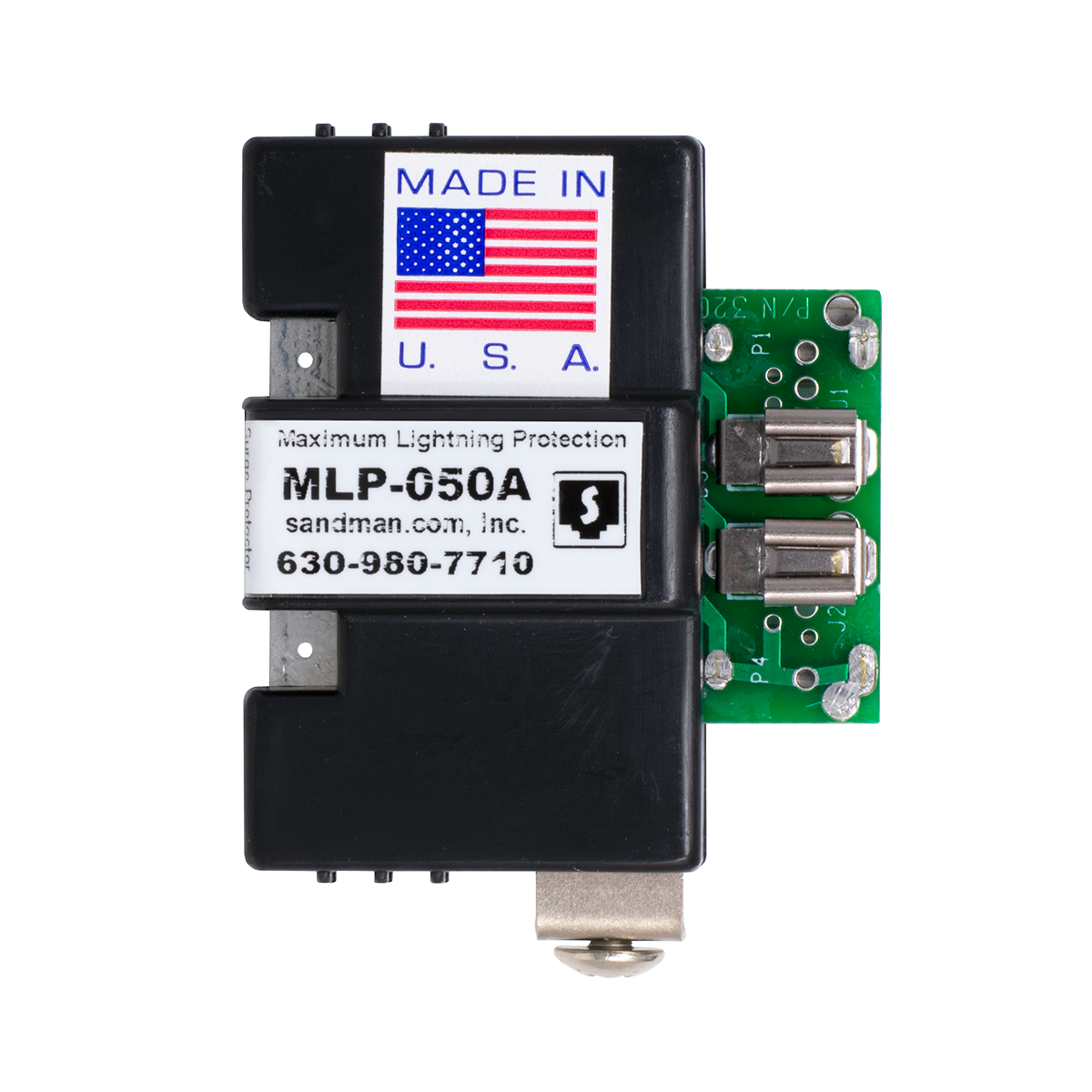
MLP-050A 1 PAIR DIGITAL EXTENSION PROTECTOR
You need one Protector for each line (pair) with a maximum DC voltage of 56V.
Be sure to put them at BOTH SIDES of the cable leaving the building!
This is the most common Protector used for a digital or electronic station port, or ISDN (with or without DC sealing current).
NOTE: Some electronic phone systems use two pairs for the electronic stations, but the first pair is actually also an analog station port with ring voltage (examples would be most Panasonic systems and the AT&T/Avaya Partner). In that case, you would use an MLP-270 Protector on the first pair, and an MLP-050A Protector on the second pair that you send outside the building.
Part Number: KIT1P Price: $20.95
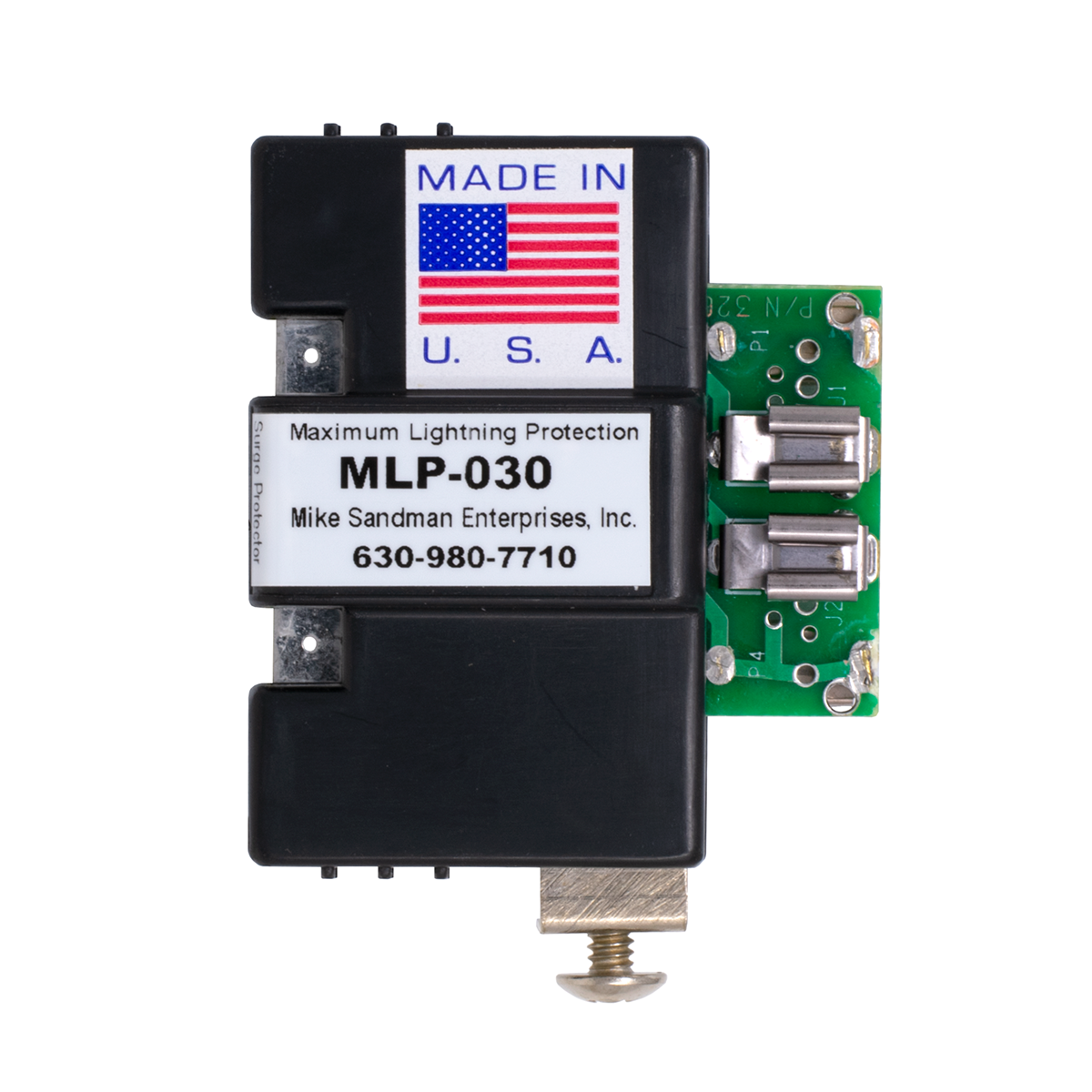
MLP-030 12/24V 1 PAIR DATA PROTECTOR
You need one Protector for each line (pair) with a maximum DC voltage of 30V.
This could be used on a data pair (RS-232 etc.), or a station port with very low voltage.
Be sure to put them at BOTH SIDES of the cable leaving the building!
Part Number: KIT1Q Price: $18.50
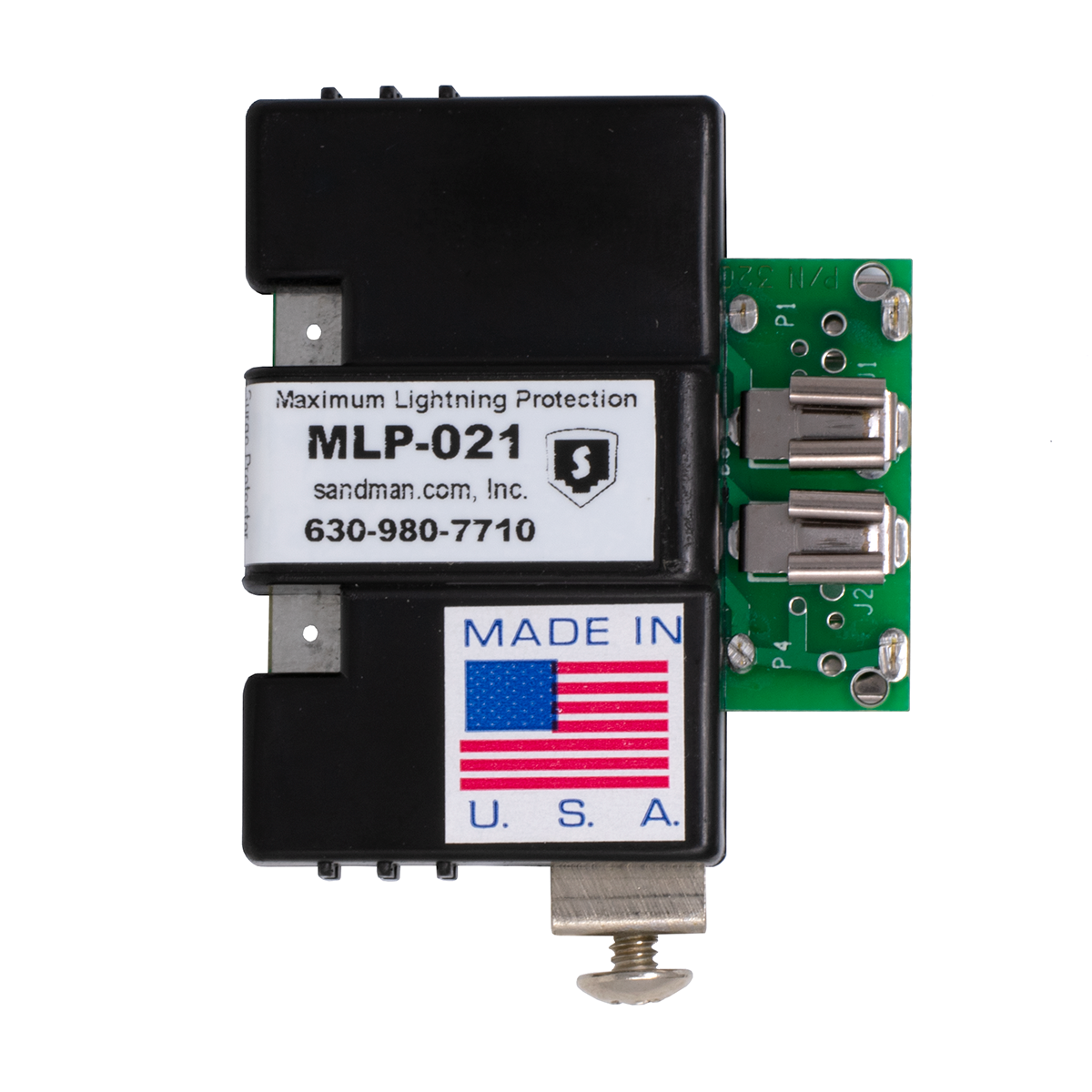
MLP-021 T1 / E1 PAIR PROTECTOR
You need one Protector for each pair (normally two) of a T1 or E1 circuit.
Part Number: KIT1K Price: $24.95
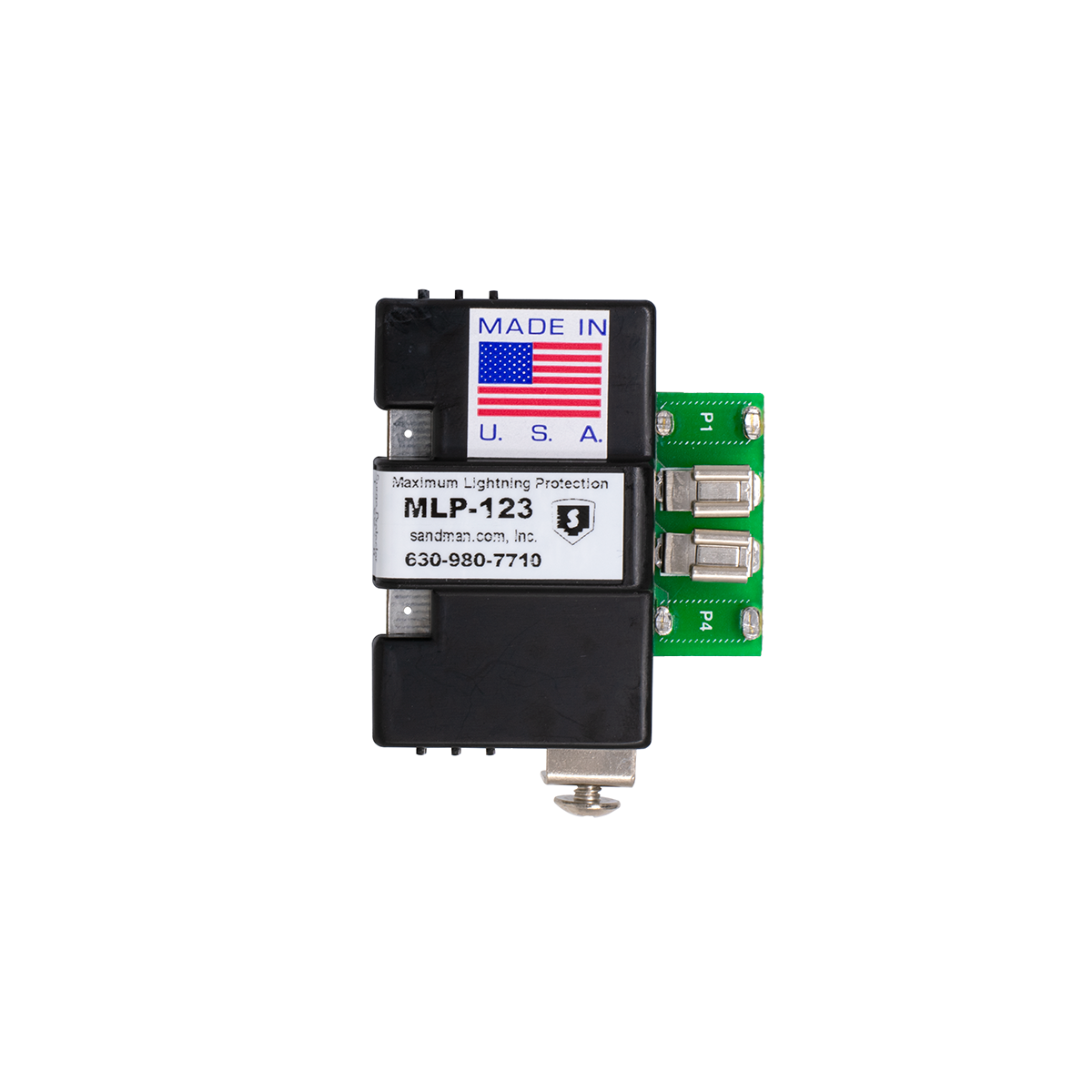
MLP-123 T3 / E3 1 PAIR PROTECTOR
You need one Protector for each twisted pair of a T3 or E3 circuit.
Part Number: KIT1L Price: $27.95
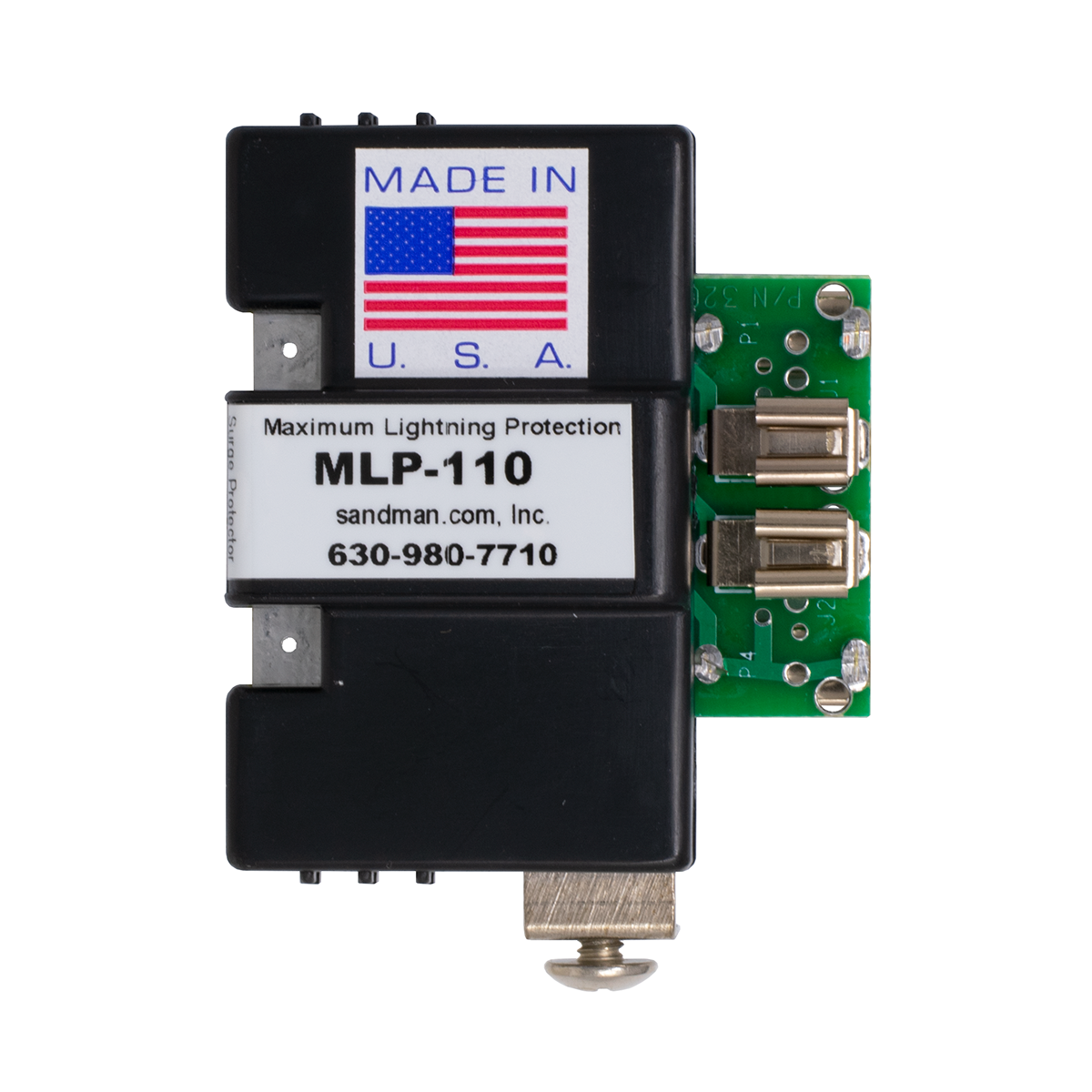
MLP-110 10/100 BASE-T 1 PAIR PROTECTOR
You need one Protector for each pair (normally two) of a 10Base-T or 100Base-T circuit leaving a building.
Be sure to put them at BOTH SIDES of the cable leaving the building!
Works with POE (Power over Ethernet).
Part Number: KIT1R Price: $24.95
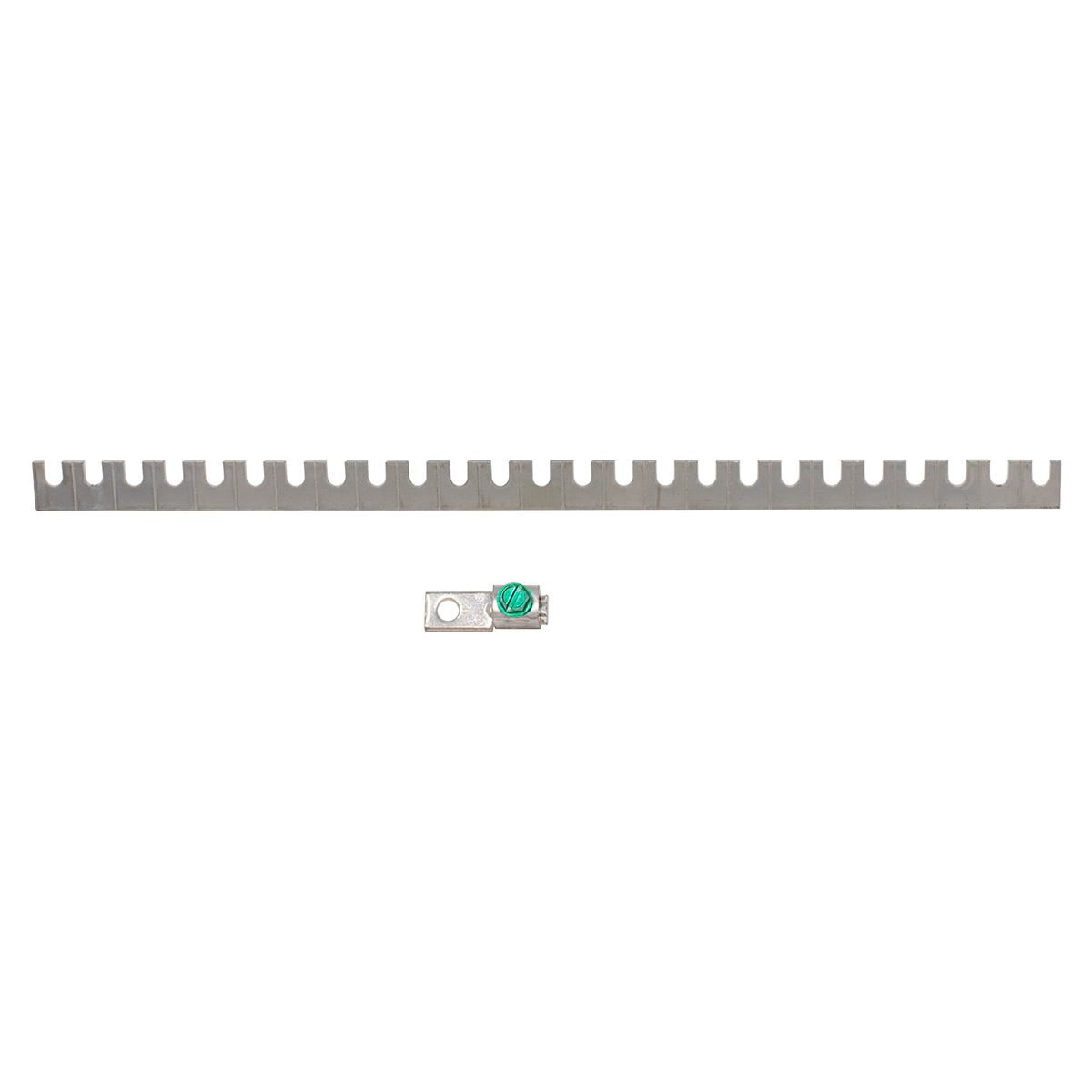
66 BLOCK GROUND BUS AND LUG

You need one Ground Bus with Ground Lug for each 66 Block with Maximum Lightning Protectors™.
If you only have a few Protectors on a 66 Block, you can cut the Ground Bus in half (or to any size), and buy spare Ground Lugs (below) to save a little money.
Part Number: KIT1N Price: $7.99
SCREW FOR 66 BLOCK LIGHTNING PROTECTOR
Spare Screw for the side of the Protector (included with Protector).
Part Number: KIT1A Price: $0.06
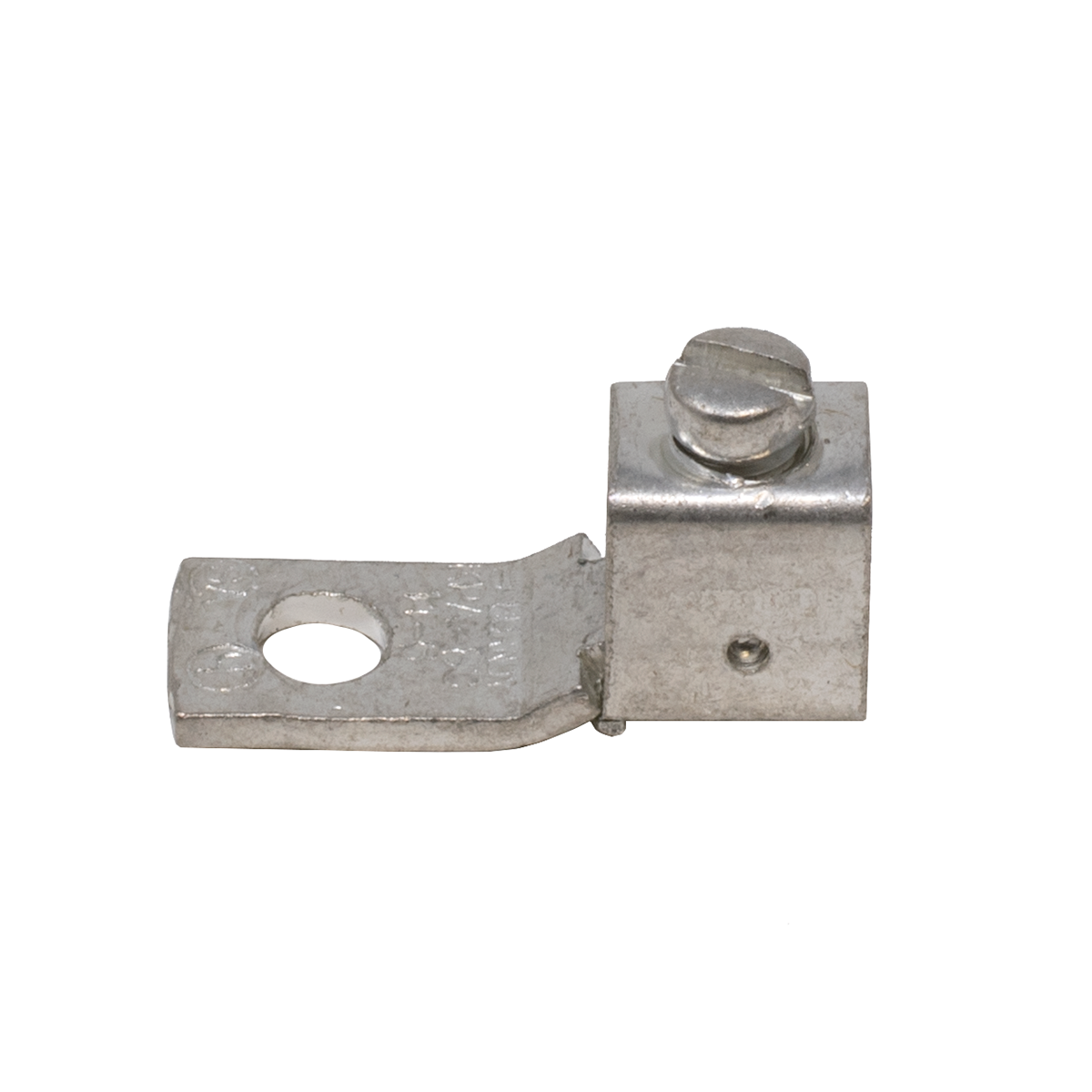
GROUND LUG FOR PROTECTOR

Spare Ground Lug (included with Ground Bus).
Use with #6 to #14 wire.
Part Number: KIT1E Price: $2.29
66 BLOCK TEST SHOE


If you need to test one line in the middle of a bunch of lines, it can be hard to get your Butt-set clips on the 66 block.
The 66 Block Test Shoe lets you test a line by removing a 66 Regulator, 66 Lightning Protector, or 66 Line In-Use Indicator, and placing the Test Shoe in its place. Attach your Butt-set to the clips on the front, and push the red switch to open the line and disconnect the equipment during testing.
Remember that the phone line always comes in on the left on an RJ-21X block, and the CPE equipment is always on the right.
Part Number: MIS1T Price: $29.95 ||| 3+ Price: $27.95
10 FOOT AC GROUND PLUG WITH 10 GAUGE WIRE

This is as easy as it gets!
Plug the Yellow Plug directly into a wall outlet that you've tested to make sure it's wired correctly (see our AC Outlet Tester below). Strip the #10 Green Stranded Wire and put it in the 66 Block Ground Lug.
Don't plug this into a power strip! You want the best ground you can get, and you don't want to include all the extra (smaller) wire in a power strip.
Part Number: KIT1M Price: $9.99
3 PRONG AC OUTLET TESTER

Use it for every piece of equipment that plugs into AC!
Just plug it into an AC outlet! It tells you whether the outlet is wired correctly, and if there's a ground on the third prong. Without a ground, electronic equipment may not operate properly, which is also the case if hot and neutral are reversed.
NOTE: An AC Outlet Tester will tell you if the outlet is wired correctly and if a ground is present, but not the quality of the ground.
Part Number: TOH3I Price: $7.95
10 INCH COPPER GROUND STRAP

Flexible Copper Ground Strap is the Easiest to Use!
Wrap it around any pipe or conduit that you've determined is a good ground. It's easily sized by simply slipping a hole in the strap over a small knob. Tightens with a screwdriver and Can Wrench or pliers.
Cut off the extra strap, or just leave it on the pipe.
Part Number: SWI4J Price: $2.29
DB-25 Serial Surge Protector (Male to Female DB-25)
STOP
BLOWING UP YOUR SMDR, PMS & CALL ACCOUNTING SYSTEM PORTS!
You may need 2 or 3 of these... One
for the SMDR Port, one for the Property Management System port, and one for the serial port on the Call Accounting System.
Both Pin 1 and Shield Grounds.
Uses Silicone Avalanche Diodes for Maximum Protection.
Part Number: MON8E Price: $36.95
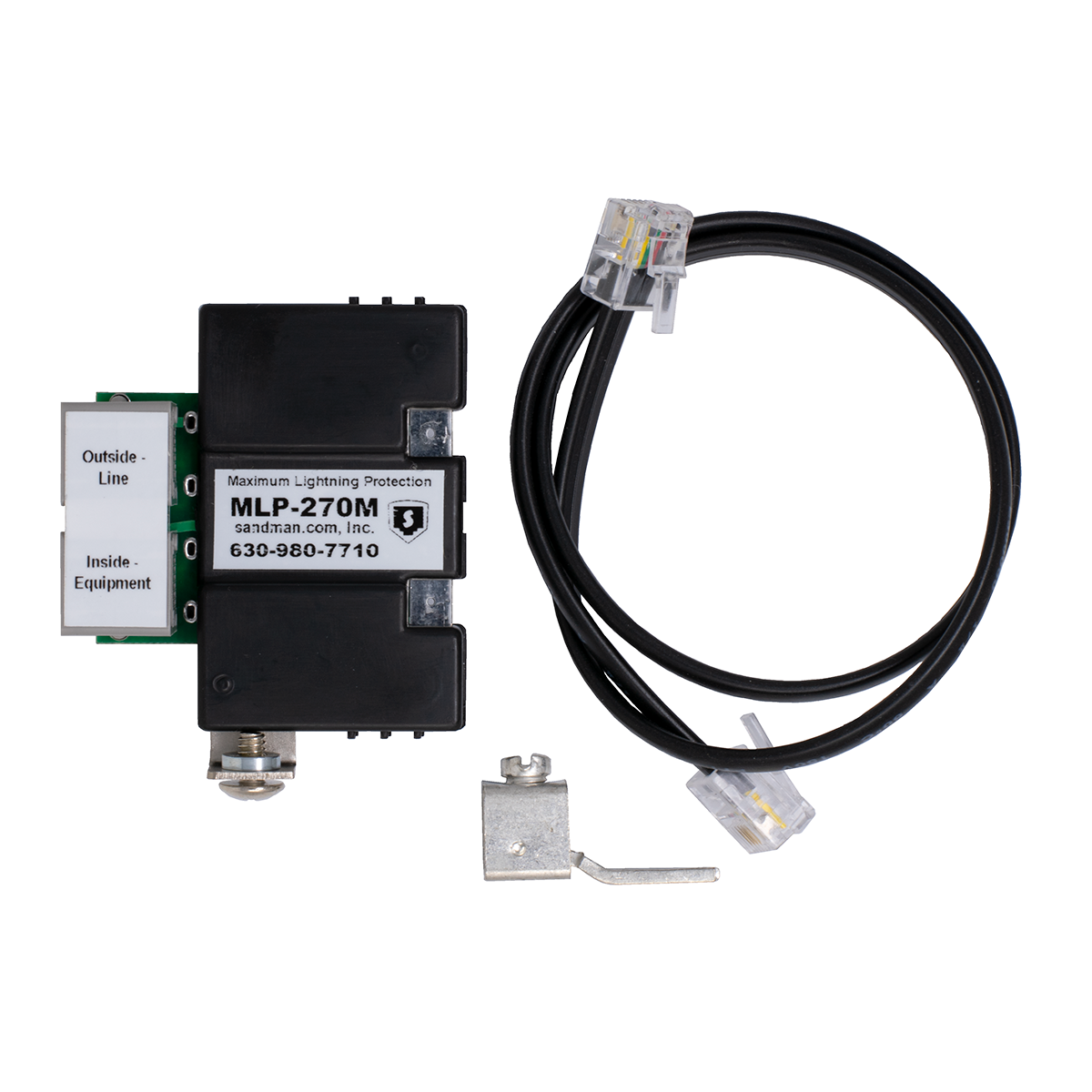
MLP-270M MODULAR MAXIMUM LIGHTNING PROTECTION™

Modular Maximum Lightning Protector™ Module

For standard telephone lines or analog station ports with ring voltage.
Same protection as our 66 Block model, but with modular jacks. Comes with Double Stick Tape, or can be mounted to a Wall Mount Ground Bus
Part Number: KIT4G Price: $22.50
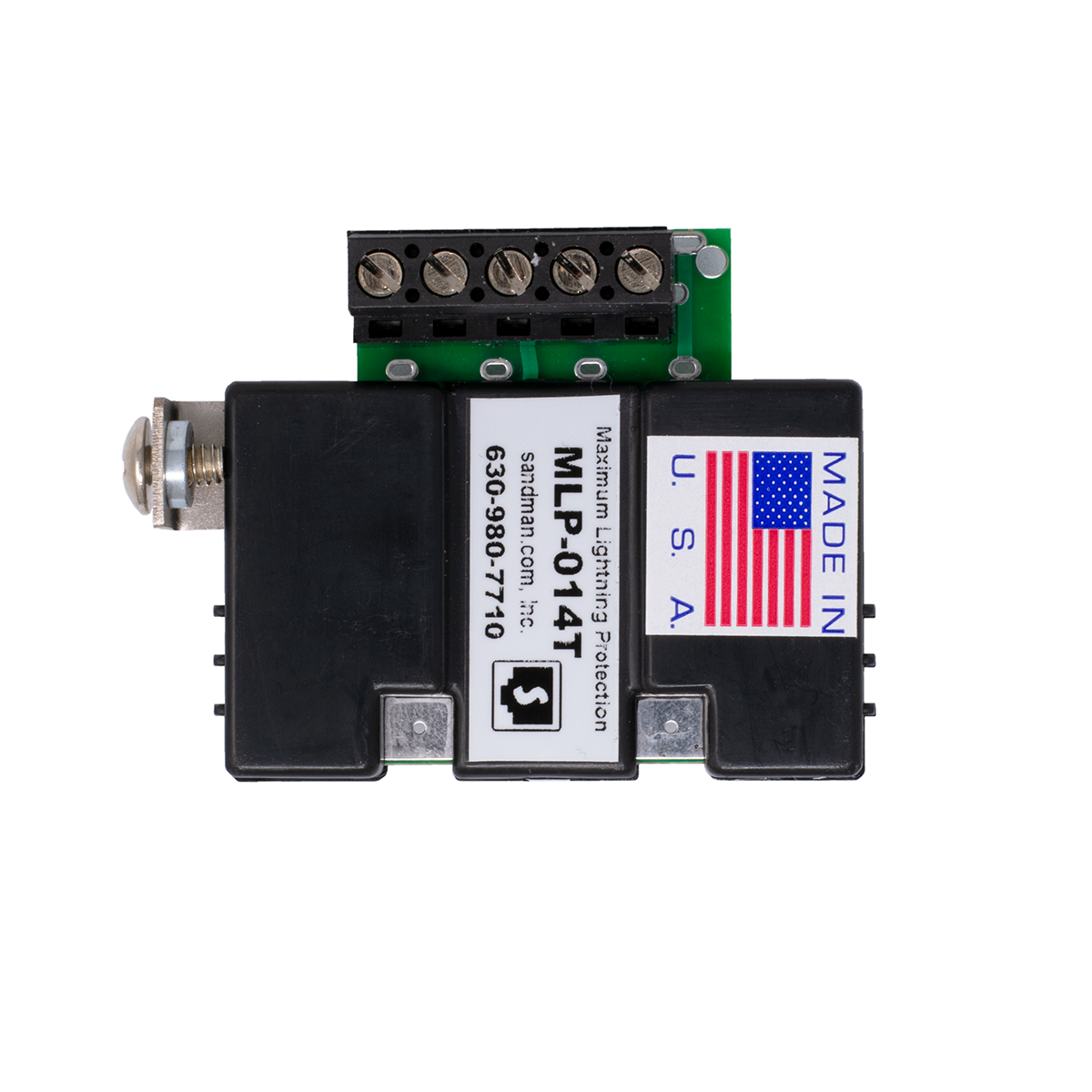
MAXIMUM LIGHTNING PROTECTION™ with SCREW TERMINALS

Terminal Strip Maximum Lightning Protector™ Module

Comes in 3 Voltage Ranges
Same protection as our 66 Block model, but with a Terminal Strip with screw terminals. Mounts to a Wall Mount Ground Bus
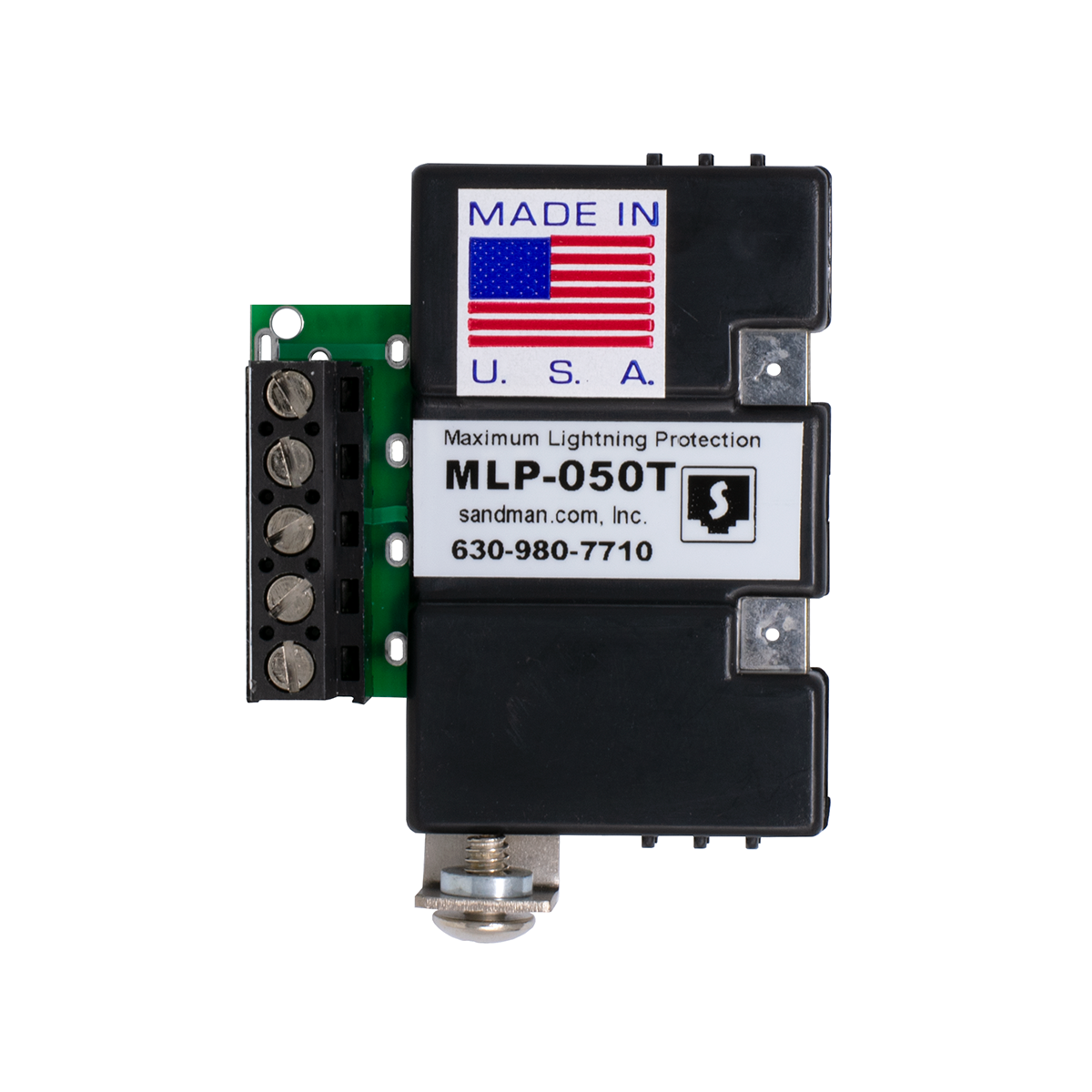
MLP-050T 50 VOLT PROTECTOR with SCREW TERMINALS
You need one Protector for each line (pair) with a maximum DC voltage of 56V.
Be sure to put them at BOTH SIDES of the cable leaving the building!
This is the most common Protector used for a digital or electronic station port, or ISDN (with or without DC sealing current).
This Protector is the one to use for our World's Best Door Box if the pair leaves the building to go to a gate. The Protector is not necessary if the Door Box is mounted to the building, and the wire doesn't go outside. On the Door Box end, use our Door Box TVS across the screw terminals to protect the Door Box itself.
Part Number: KIT4B Price: $29.95
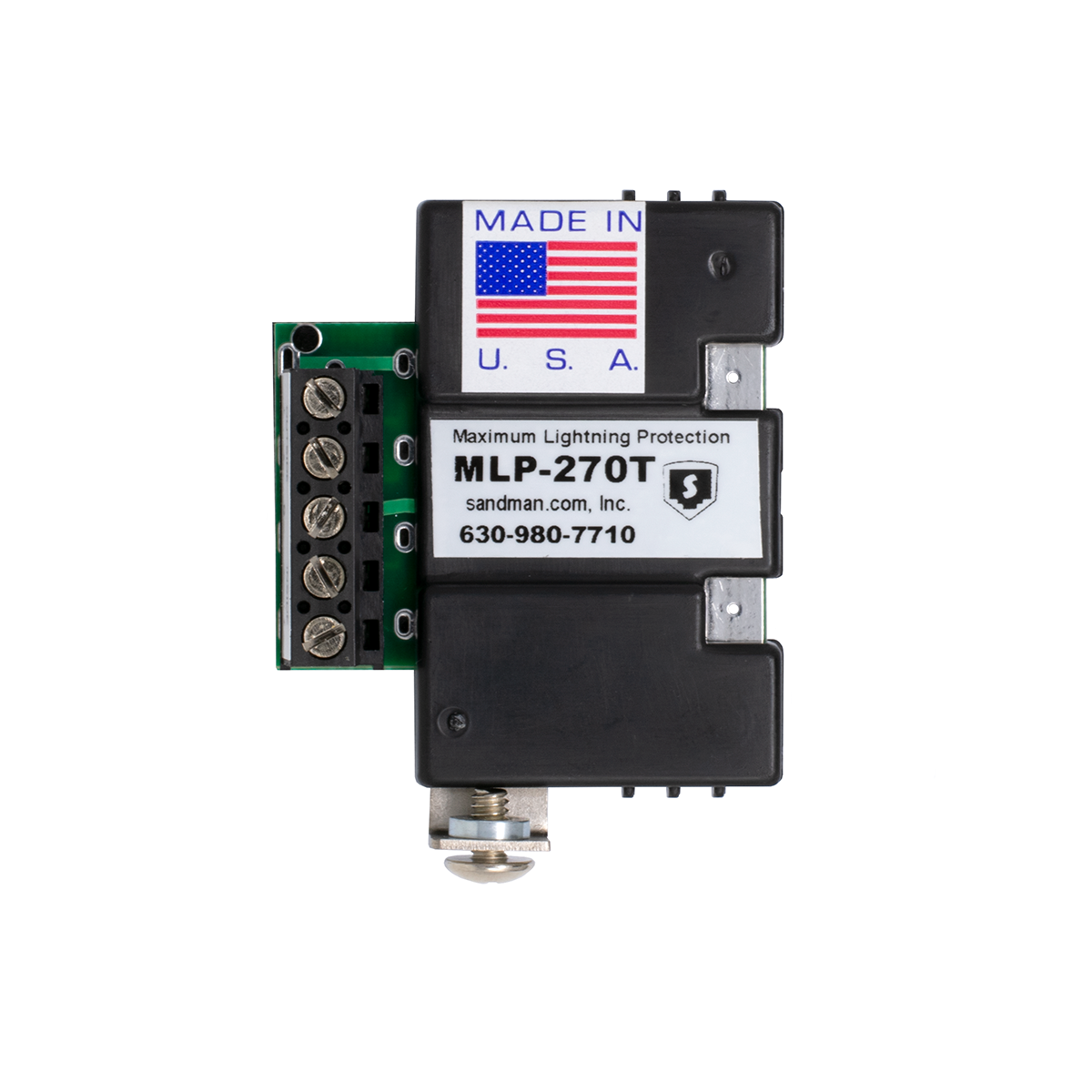
MLP-270T 1 CO LINE PROTECTOR with SCREW TERMINALS

You need one Protector for each regular phone line or analog station port (pair) with ring voltage.
If the line doesn't have ring voltage, use one of our lower voltage Protectors (below).
Attach the ground using the opening on the Terminal Strip (maximum 12 Gauge Wire), use a Ground Lug (not included) attached to the Screw, or mount to a Wall Mount Ground Bus.
Part Number: KIT4A Price: $30.95
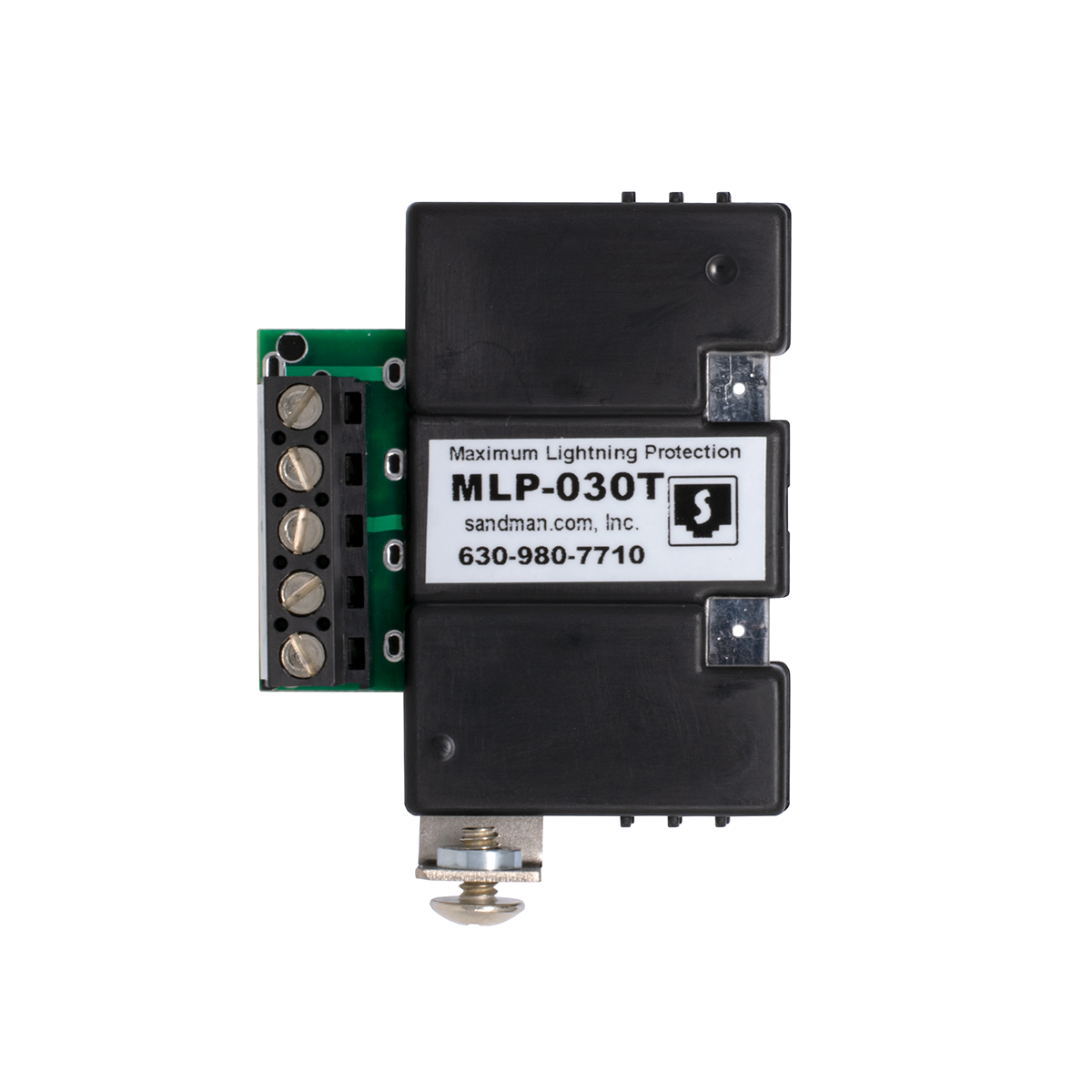
MLP-030T 30 VOLT PROTECTOR with SCREW TERMINALS
You need one Protector for each line (pair) with a maximum DC voltage of 30V.
This could be used on a data pair (RS-232 etc.), or a station port with very low voltage.
Be sure to put them at BOTH SIDES of the cable leaving the building!
Part Number: KIT4C Price: $29.95
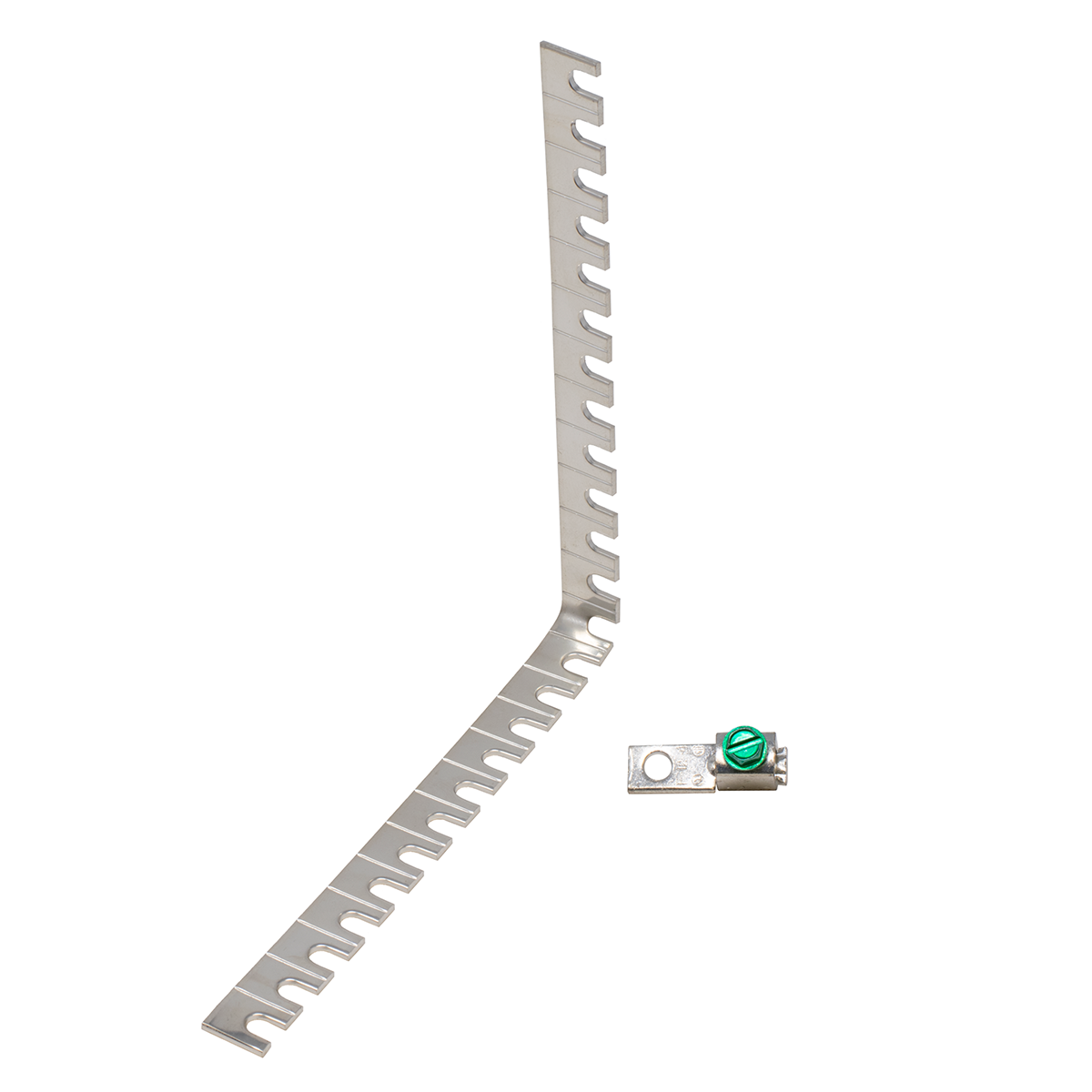
WALL MOUNT GROUND BUS with GROUND LUG

Ground Bus bent at a right angle to allow Maximum Lightning Protectors™ to mount to the wall from the Ground Screw on the side of the Protector.
Includes Ground Lug
Part Number: KIT4D Price: $9.95
10 FOOT AC GROUND PLUG WITH 12 GAUGE WIRE

This is as easy as it gets!
Plug the Yellow Plug directly into a wall outlet that you've tested to make sure it's wired correctly (see our AC Outlet Tester). Strip the #12 Green Stranded Wire and put it in the Modular or Terminal Strip Lightning Protector ground, or in a Ground Lug.
Don't plug this into a power strip! You want the best ground you can get, and you don't want to include all the extra (smaller) wire in a power strip.
NOTE: Use this #12 Ground Wire with our Terminal Strip or Modular Maximum Lightning Protectors™. #10 wire won't fit in the terminal for the ground wire on those Protectors, unless you cut some of the strands off (not a good idea).
Part Number: KIT1F Price: $8.99
Click me to go to

Testing & Fixing Phone Line Problems


630-980-7710
Copyright ©
2008 Mike
Sandman Enterprises, Inc.